

 DisplayFleet
01 · FASTER PRICE CHANGES
Edit the item, not every screen.
Menu items are reusable. Change a price in your browser and save it once; boards using that item show the new standard price.
FOR RESTAURANT & CAFÉ OWNERS
Update an item's standard price, click Save, and the boards using it pick up the change. When one location needs a different price, set it there without rebuilding the menu.
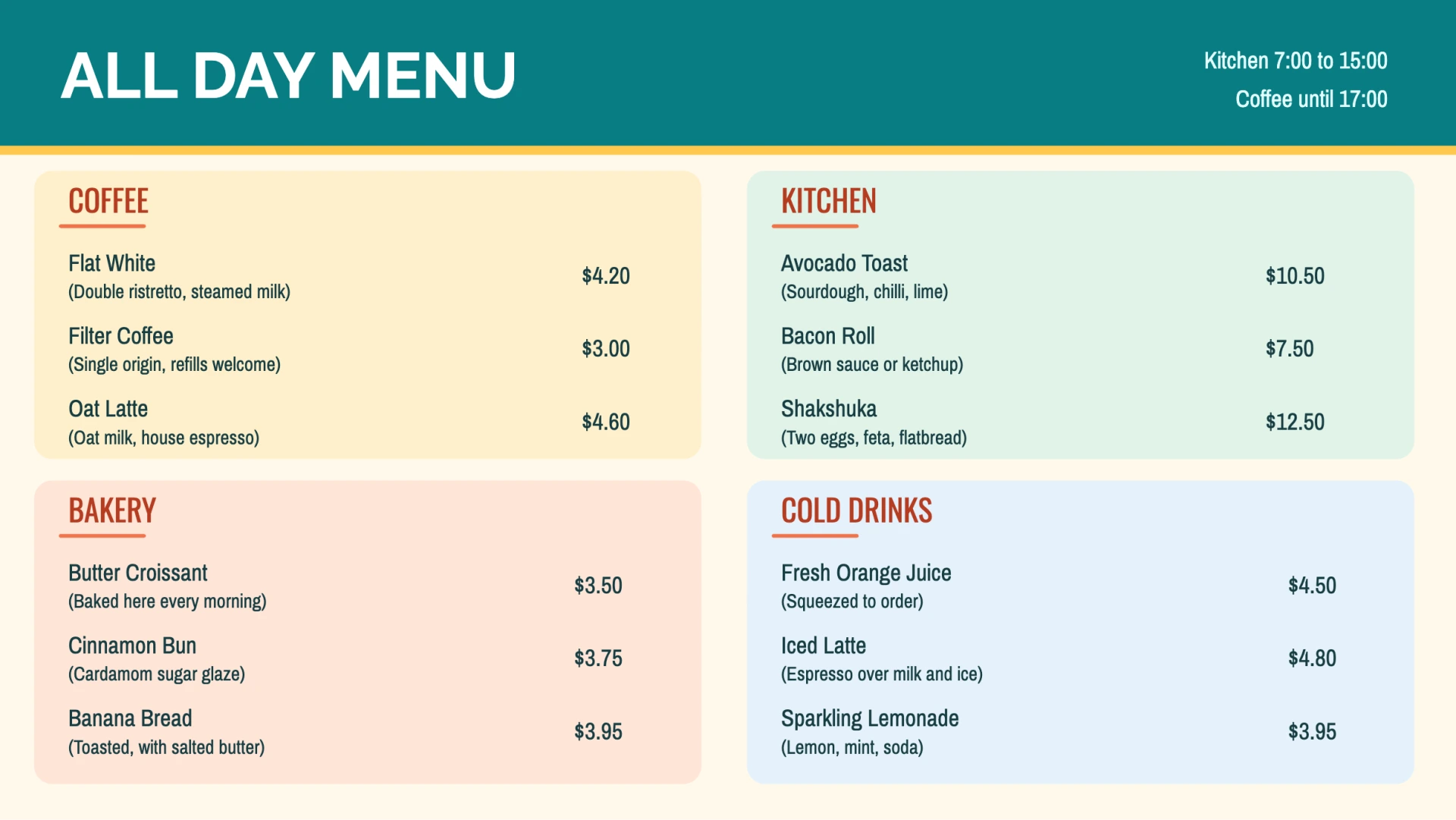
SAMPLE MENU BOARDS
Five sample boards. Schedule each one for the service it belongs to.

01 · FASTER PRICE CHANGES
Menu items are reusable. Change a price in your browser and save it once; boards using that item show the new standard price.
02 · LOCAL CONTROL
Set a location price override when costs differ. That price appears on boards at that location, while the others use the standard price.
03 · SERVICE BY SERVICE
Schedule breakfast, lunch, dinner, and happy-hour boards. Keep the same items and prices working across your services.
DISPLAYFLEET AT A GLANCE
A REAL-WORLD PRICING MOMENT
Say oat milk costs more this month. You decide to move your Oat Latte from $4.60 to $4.90. One item edit changes the standard price wherever that item appears.
Riverside has higher operating costs, so you keep its $5.20 location price. Its screens still show $5.20; Downtown and Northside show the new $4.90 standard price.
Explore the productILLUSTRATED EXAMPLE · OAT LATTE PRICE
On boards using this item
Illustrative prices. You choose the prices; DisplayFleet shows the right one on each location’s boards.
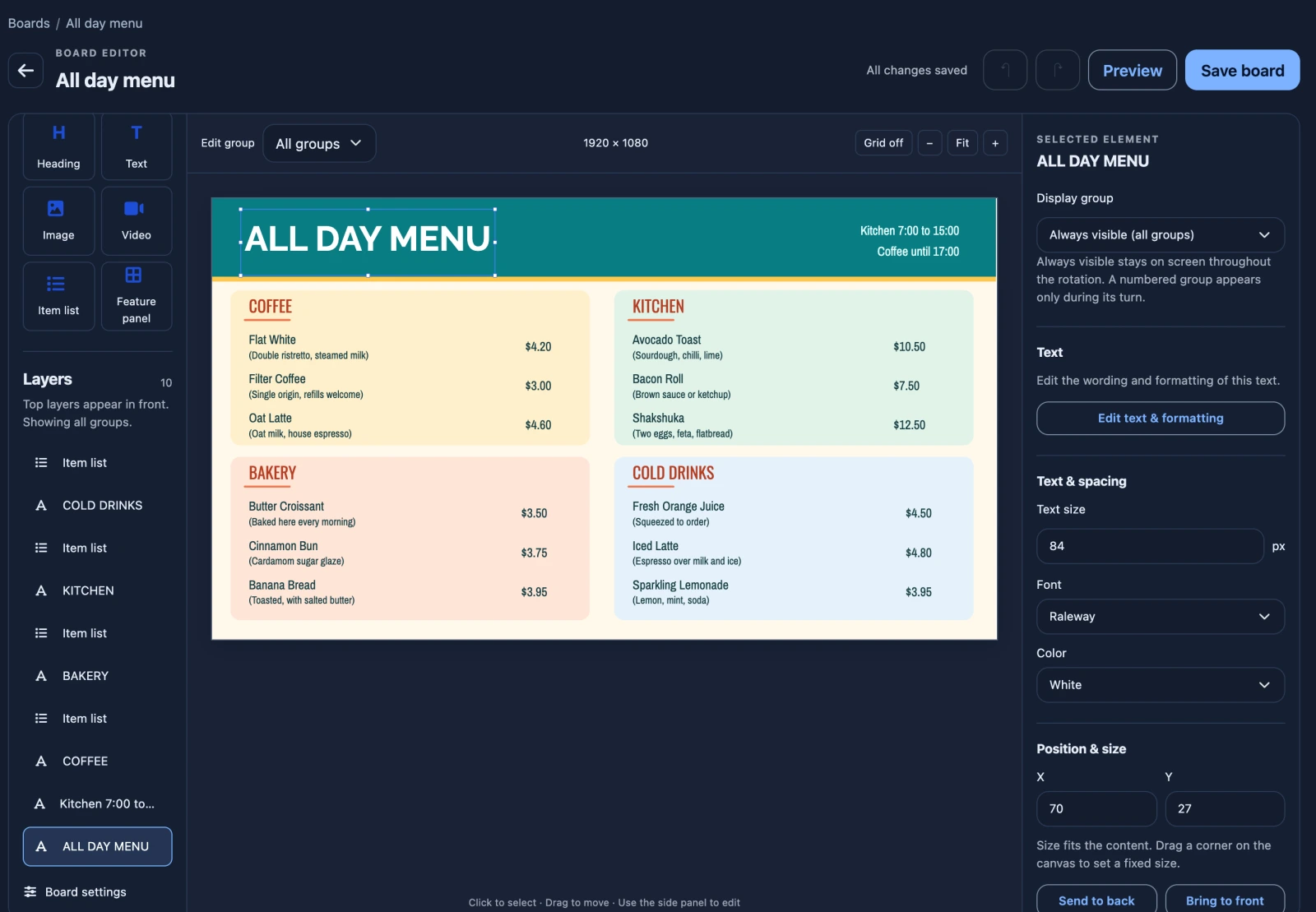
THE MENU IS YOURS, TOO
Start with a template, add your items, and choose your colors. Reuse a board across locations, then set local prices only for the items that need them.
This sample menu is managed in DisplayFleet and does not use a live point-of-sale feed. DisplayFleet does not calculate food costs or set prices for you.
No special box is required. DisplayFleet’s player runs in a capable browser on a device connected to your TV, such as a mini PC, a smart TV browser, or a streaming device with a full browser. Hardware is not included, and browser and video support vary, so test the device you plan to use. See the screen setup guide.
A player that has already downloaded its board and media keeps showing that cached content. New edits and scheduled changes appear once it reconnects, and owners and admins get an email when a paired player stops reporting.
You edit items and prices in DisplayFleet. The examples on this page do not use a live point-of-sale feed.
The trial needs no card. To keep using DisplayFleet, subscribe in your account. Your boards and media are kept if the trial ends before you subscribe.
Pick a template, pair a screen with a code, and edit it from anywhere.